Choosing a phone case: material, fit and everyday use
A practical guide to comparing case construction, checking exact device fit and writing a useful inquiry before choosing a case.

A good case starts with your phone and your routine. A slim design may suit a jacket pocket, while a textured grip may matter more during a commute. Material names are useful starting points, but they do not describe the whole product. Compare the complete construction, the cutouts and the information available for the exact variant you intend to order. This guide provides a buying checklist; it does not report laboratory or drop testing of products in the catalog.
Start with the exact device
Record the full device name and model number from the phone's settings. Similar names, screen sizes or release years do not establish compatibility. Check the camera layout, side controls, speaker openings and charging port against the intended model. If you use a screen protector, ask whether the case lip leaves enough space around its edges. For a wholesale inquiry, list each device separately instead of writing only a phone family name.
Read material descriptions carefully
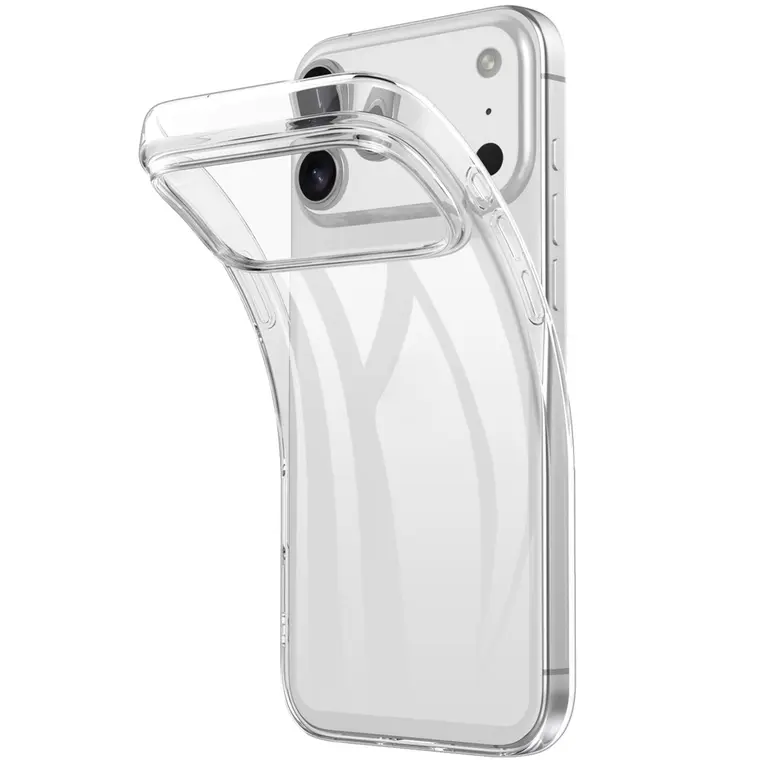
TPU, polycarbonate and silicone describe different materials, but finished cases may combine them or add coatings and linings. Ask which material forms the back, frame and inner surface. A soft edge with a rigid back can behave differently from a one-piece shell. Treat words such as premium, rugged and soft-touch as descriptions to clarify, rather than measured protection levels. If a specific composition matters for your project, request confirmation for the selected SKU.
Look beyond thickness
Consider how the corners, camera surround and screen edge are shaped. Raised edges may help keep surfaces from touching a flat desk, but the amount of clearance depends on the phone, protector and case together. A thicker case is not automatically better for every use. Check whether the charging plug fits through the opening and whether buttons remain comfortable to reach. A bulky camera frame can also affect the way a phone rests on a stand.
Match the finish to your routine
Compare smooth, textured, transparent and covered finishes by the tasks you do most often. Think about pocket friction, visible fingerprints, grip and cleaning. Ask for the care instructions before using solvents or abrasive cleaners. Clear materials and printed surfaces may change appearance with use; do not assume an unqualified lifetime appearance promise. Request a close photograph of the actual color and finish, understanding that screens and lighting can alter how colors look.
Check accessories as a complete setup
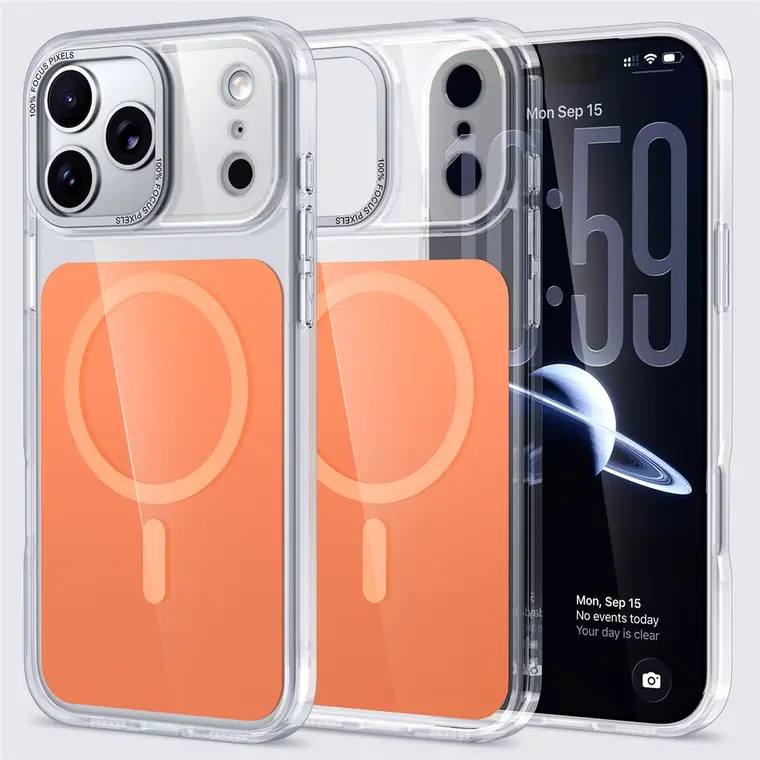
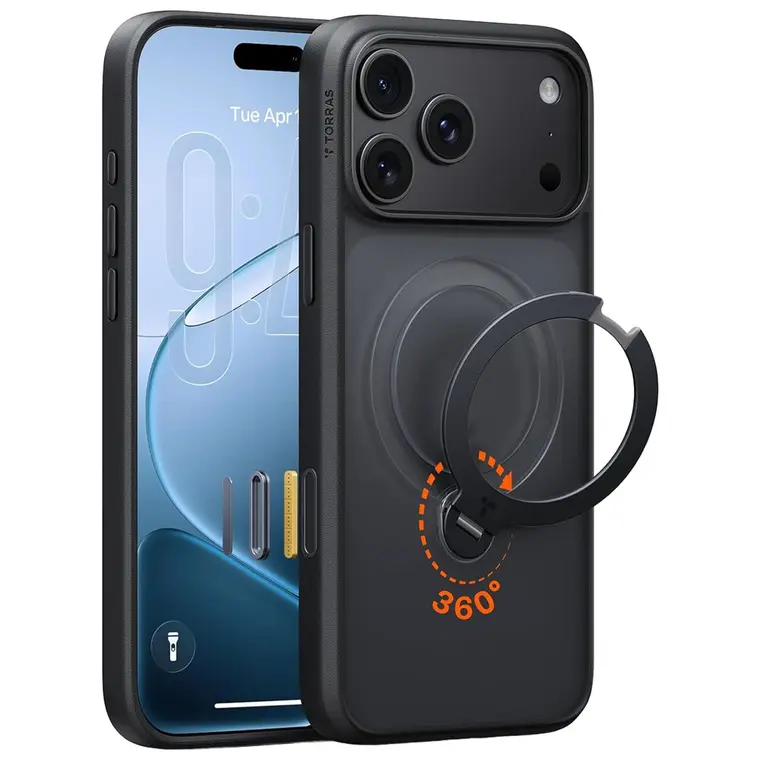
If you use wireless charging, a magnetic mount, a wrist strap or a card holder, describe the whole setup. A ring shown in a photograph does not prove compatibility with every charger or mount. Ask whether the named accessory is supported and whether parts must be removed before charging. For customization, confirm the available print area and whether a texture, camera opening or magnetic feature interrupts the design. Fit and decoration should be reviewed together.
Send an inquiry that can be answered
Include the product reference, exact device, preferred material, color and quantity. Add the accessories you use and any artwork requirements. Ask which details are confirmed, which need a sample and which depend on the chosen variant. A useful comparison records the same questions for every option. Approve the final model and specification before ordering; photographs, category labels and a general product title should not replace that written confirmation.